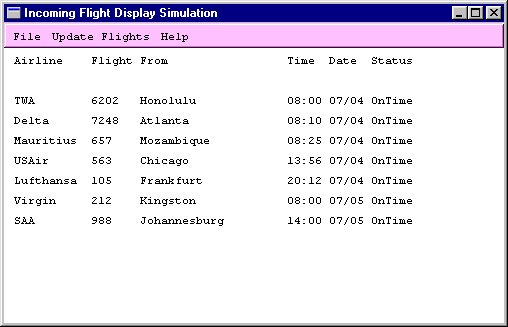
Main screen
Write a Graphical User Interface for the flight display simulation created in Project 2, using the Amulet toolkit.
Amulet v3.0 can be downloaded from http://www.cs.cmu.edu/~amulet/. Download the source code installation files for Windows 95/NT and install them on your computer. It is also recommended that you download the manual and go through the tutorial.
Internally, your data must still be stored in a linked list. But all input and output must now be done using the GUI. You may increase the maximum number of displayed flights to 10 if you wish to. Use the packaged Gilt interface builder where necessary to design and generate code for dialog boxes.
More information about Amulet can be found at
Sample Screen Displays
Main screen
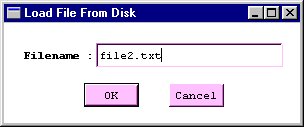
Load file dialog box
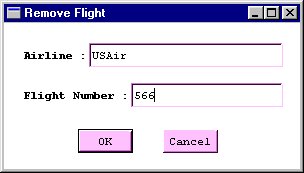
Remove flight dialog box
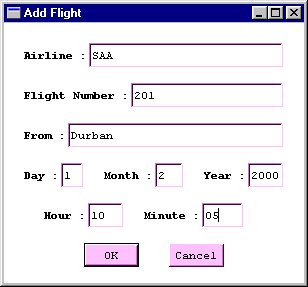
Add flight dialog box
Submission